Tuesday, December 31, 2013

Construction Simulator 2014 v1.01 Apk

Construction Simulator 2014 Apk
Download: Construction Simulator 2014 v1.01 Apk | 80 MB | Mediafire
Requires Android:4.0.3 and Up
Do you want to build houses and industrial buildings with heavy machines from LIEBHERR, MAN and STILL?
Game Review:
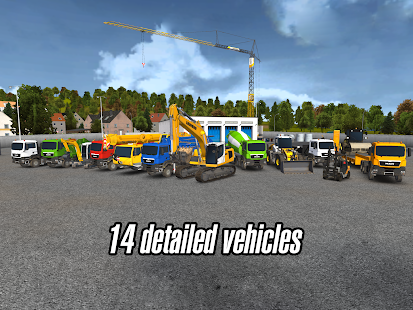
Playing the Construction Simulator 2014 you can take over the control of 14 construction machines which are true to the originals in high-quality 3D graphics. Excavate the foundation of a one-family house with realistic machines, operate a concrete pump which is as high as a house to cast concrete into the wall formwork of an industrial hall or place giant roof trusses with a mobile crane and show that you can keep a steady hand – more than 300 tasks promise more than 20 hours of gaming fun.
Do you want to convert the small building company into a successful real estate group and bring your own style to the city where you can navigate freely?
Features:
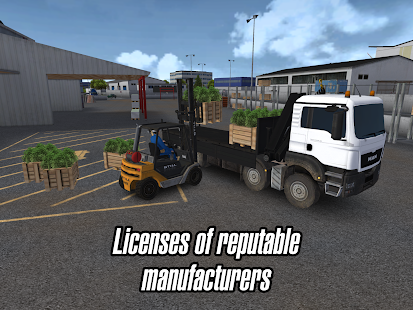
  • 14 construction machines from LIEBHERR, MAN and STILL designed true to the original with original operating modes
  • High-quality 3D graphics
  • Realistic control of the construction machines, optimally designed for mobile devices – for example, support of the euro control for excavators
  • Huge construction sites like wind generator, swimming pool, school building or town hall
  • For beginners and experts: Free change from Arcade control to professional control
  • Huge freely navigable world
  • Ladder of success: From apprentice to building tycoon
  • Highly variable order system guarantees never ending gaming fun
  • Unblock the different districts of the city and bring your own style to the city and choose freely colour, material and specifications of the construction
Construction Simulator 2014 - screenshot thumbnailConstruction Simulator 2014 - screenshot thumbnailConstruction Simulator 2014 - screenshot


Instructions:
  • Install Apk
  • Copy ‘com.astragon.cs2014′ Folder to sdcard/Android/obb
  • Launch the Game

0 comments:

MOND – Launcher Theme v1.3.3 Apk

MOND - Nova/Apex/GO/Solo Icon apk
Download: MOND – Launcher Theme v1.3.3 Apk | 15 MB | Mediafire
Requires Android:2.1 and Up
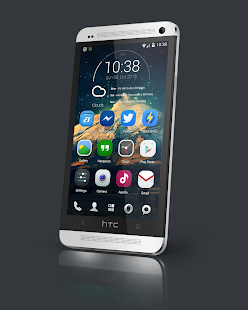
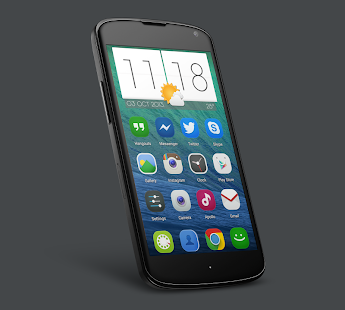
With over 600+ HD icons for your phone!
What’s in this version :
  • Atom is now working, please update to lastest Atom
  • 80+ new icons from request ! Missing will add soon :)
  • Remove internet permission as user request
  • Added Remove from launcher
  • Added Red dialer icon and 2 new alt icon for playstore
  • Added 1 Click button for more launcher

App Review:
My lastest icons pack !
With over 600+ HD icons for your phone :)
Update will available every 3 days and weekly after 1 month !
Enjoy :

MOND - Nova/Apex/GO/Solo Icon - screenshot thumbnailMOND - Nova/Apex/GO/Solo Icon - screenshot thumbnail
MOND - Nova/Apex/GO/Solo Icon - screenshot thumbnail


0 comments:

i Fishing 3 v4 Apk

i Fishing 3 Apk
Download: i Fishing 3 v4 Apk | 78 MB | Mediafire
Requires Android:4.0 and Up
iFishing 3 is the much improved sequel to the smash hit iFishing.
Game Review:
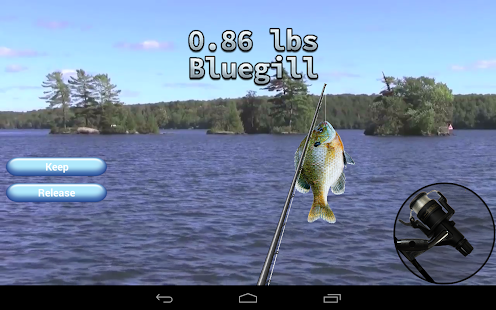
iFishing has over 20 million players worldwide and we thank you for your support since the game was launched. We took all your suggestions and improved the game in every area possible!FEATURES
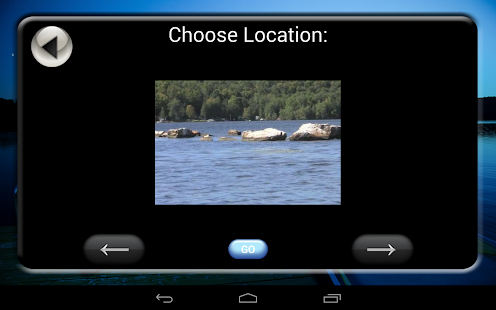
  • - 17 Full motion 720p video backgrounds
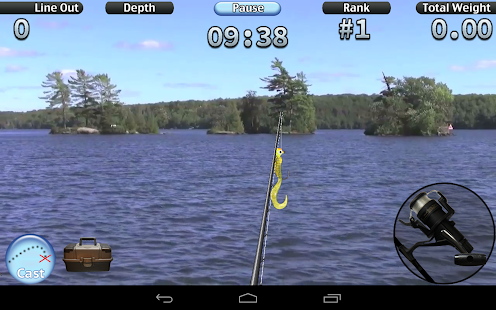
  • - Photorealistic graphics and with fish that kick and jump
  • - Compete in 50 tournaments in the new Career Mode
  • - Visit the Tackle Store to buy new lures, different rods, and line
  • - New spinning reel controls
iFishing 3 is the perfect game to bring the great outdoors to you, no matter where you are.
For more great games visit www.RockingPocketGames.com
DEVELOPER NOTES:
There may be some bugs and missing features. Leaderboards will be added soon. If you spot any bugs please email me and let me know! I will be fix and adding the following features in 2014!
Known bugs:
- Turning off the device while fishing will return to the title screen and lose your progress
Missing Features:
- Bragging about fish caught (will let you take screenshot and share on social networks)
- Leaderboards and Achievements
- Cloud saves
- Full screen mode on KitKat
i Fishing 3 - screenshot thumbnaili Fishing 3 - screenshoti Fishing 3 - screenshot


Click Here to Download via Mediafire

Click here to Download via Multiple Mirrors

Instructions:
  • Install apk
  • Copy ‘com.RockingPocketGames.iFishing3′ Folder to sdcard/Android/obb
  • Launch the Game

Download-Market

0 comments:

Spectrum ICS Pro Live WP v1.2.6 Apk

Spectrum ICS Pro LWP apk
Download: Spectrum ICS Pro Live WP v1.2.6 Apk | 1.2 MB | Mediafire
Requires Android:2.1 and up
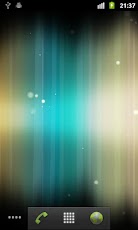
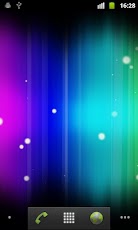
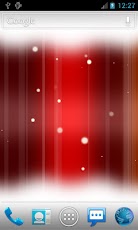
Great for new Android 4.0 Ice Cream Sandwich ICS themes with floating particles.
What’s in this version :
  • Added more options to FPS
  • Updated to latest Android 4.4 SDK

App Review:

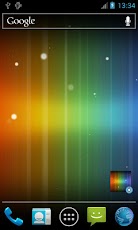
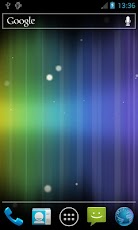
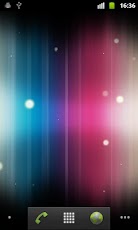
Spectrum ICS live wallpaper, beautiful abstract colors with floating particles.
Also great for new Android 4.0 Ice Cream Sandwich themes.
Features
- Beautiful abstract colors
- Setting widget
- Custom background color
- 6 background themes
- 4 shadow types
- Shadow settings
- Strip settings
- Dust settings
- Light element settings
- Parallax effect
- Use 3D hardware to render images, save battery
- Support most resolutions including Android 3.0 tablet
Instruction
Home -> Menu -> Wallpapers -> Live Wallpapers
Note: It is live wallpaper so you can’t open the app, you will need to follow the instruction above in order to set the wallpaper. Also slower/older devices (shipped with Android OS below 2.1) can’t run it too, currently it has been tested on Nexus S, HTC Desire and Samsung tab so any mobile devices that is equivalent to them should run fine.
If you have put the app on SD card and restarted the phone, the wallpaper will reset to default since the system couldn’t find the app first.
FAQ:
1. App is not compatible with my device?
Please try the free version first.
2. Wallpaper resets to default after reboot/restart the phone?
Please move the app to phone instead of SD card.
3. My app is not downloading after purchasing?
If it is your first time buying, Google will check through the credit card detail which normally takes few hours time.
Try troubleshooting at Google: http://market.android.com/support/bin/answer.py?answer=1267233
4. When does 15 minutes refund period start?
15 minutes refund period only starts when you have actually downloaded the app.
What’s in this version:
  • - Updated to latest Android 4.2.2 SDK
  • - Updated core engine to improve memory managemen


0 comments:

Windows8 / Windows 8 +Launcher v2.2 Apk

Windows8+ Launcher apk
Download: Windows8 / Windows 8 +Launcher v2.2 Apk | 6 MB | Mediafire
Requires Android:2.2 and up
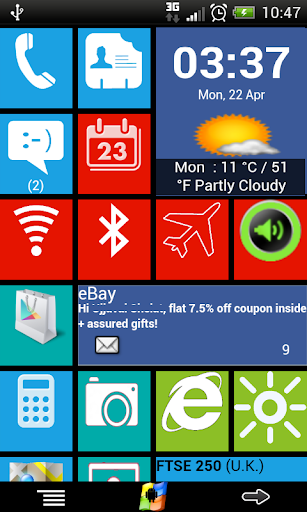
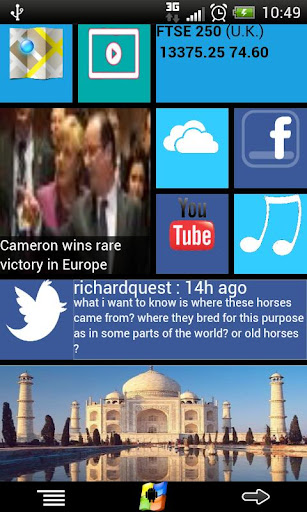
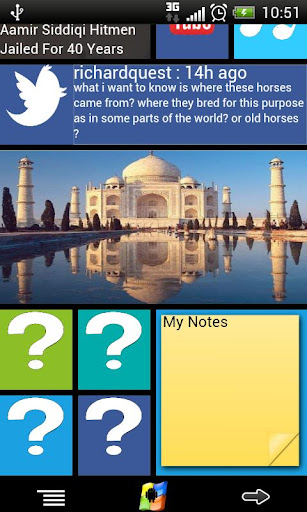
Windows8+ is Home launcher application which tries to provide Windows8 mobile like experience on your android device.
What’s in this version :
  • Fixes for Android Kitkat
  • Clock and Weather click/tap defect fix

App Review:

Features:
  • 1)Live tiles for gmail, news, weather, twitter, calendar , etc with many configuration options
  • 2)Drag and drop tile groups to re-order/change the position of tiles.
  • 3)Change icon/tile icon size using Menu >> Icon Size
  • 4)Select the preferred country for news using Menu >> Prefs >> News Country and for stock market using Menu >> Prefs >> Stock Market
  • 5)Power Control widget to on/off Wifi, Airplan mode, Bluetooth, ring mode, screen brightness, etc.
  • 6)Click on icon/tile will bring up (launch) the associated app, (This application will try to associate most common applications like dialer, messsage, google play, etc) if you are clicking first time and no application is associated then list of all installed apps will be opened and you can associate any app of your wish to this tile.
  • 7) Long Click on icon/tile to change the color, icon, application associated to tile. Following 3 options are available\n * Associate App – Change the launching app while keeping the same icon on home screen.\n * Change Color – Change background color of tile.\n * Change App – Change the launching app and icon will be replaced with app default icon on home screen.
  • 8)Additional icons/tiles style which can be customized as per your need. Add/remove tiles from Menu >> Tiles
  • 9)Weather Service : Based on your current location, local weather details are available.
  • 10)Stock Market updates : Select your preferred Stock Market using Menu >> Misc >> Stock Market


Click Here to Download via Mediafire

Click here to Download via Multiple Mirrors
Download-Market

0 comments:

Amerzone – The Explorer’s Legacy v1.0.0 Apk

Amerzone - The Explorer's Legacy Apk
Download: Amerzone – The Explorer’s Legacy v1.0.0 Apk | 561 MB | Mediafire|
Requires Android:2.3 and Up
The first masterpiece of Benoit Sokal’s adventure game
Game Review:
THE ADVENTURE
Before dying, the explorer Emile Valembois tells you about the most amazing expedition of his career. This expedition was dedicated to the crazy “white bird” mystery. He confides to the young journalist that you are, the odd mission of returning to Amzerone in order to bring back an egg that was robbed 50 years earlier…
Legend has it that strange white birds are born and die in mid-flight, without ever landing. To bring this species back to life, you’ll travel through enchanting landscapes, from Brittany to tropical forest. You’ll have to solve the mystery of these famous white birds…
You are suddenly transformed from journalist to explorer setting out for the Amerzone, chasing down any clues that Alexandre Valembois left you in his lighthouse.
THE GAME
A Point&Click adventure using 360° vision technology in every scene.
The game is not a copycat portage of the PC version but an adaptation for touch screens and mobile platforms.

0 comments:

Atlantis 3: The New World v1.0.3 Apk

Atlantis 3: The New World Apk
Download: Atlantis 3: The New World v1.0.3 Apk | 654 MB | Mediafire
Requires Android:1.5 and Up
A dreamy trip to Atlantis
Game review:
In 2020 in the desert of Hoggar, a young Egyptologist is looking for a building that the Ancient Egyptians built. There, she meets a Touareg who apparently wants to help her and discovers fantastical machines that seem to come from another world. She decides to activate them to help her move forward in her search. But she doesn’t yet realize that she’ll have to go back through several periods and civilizations in history for the most mysterious and dangerous of adventures: The quest for Atlantis.
A Point&Click adventure using 360° vision technology in every scene.
The game is not a copycat portage of the PC version but an adaptation for touch screens and mobile platforms.
PLEASE NOTE: 
This app needs 512 MB of System Memory and 1.4 GB of Free Space Storage.


0 comments:

Sunday, December 29, 2013

How to Root Your Android Device!!

How to root Your Android device?
You’ve probably heard of people “rooting” their Android phones. If you’ve ever wondered how to do that yourself – or wondered why people would bother – you’re in luck. You can root your Android in just a few minutes.
After rooting your device, you have full access to the entire system and can run special types of apps that require root permissions. These apps can disable bloatware, control app permissions, enable tethering, and do lots of other cool things.
What is “Root,” Anyway?
Android is based on Linux. On Linux and other UNIX-like operating systems, the root user is equivalent to the Administrator user on Windows. The root user has access to the entire operating system and can do anything. By default, you don’t have root access to your Android device, and certain apps won’t function without root access.
With root access, you can disable the bloatware that comes with your phone, manually deny app permissions, run a firewall, access the entire file system, or tether your device, even if tethering functionality has been disabled. You’ll find many apps that require root access in the Google Play store (formerly known as the Android Market), although they won’t function until you root your device.
Rooting isn’t mandatory – you only need to root your device if you want to do things that require root access.

Warnings

Before you root your Android phone or tablet, there are a few things you should be aware of:
Warranty – Some manufacturers assert that rooting voids your device’s warranty. However, rooting will not actually damage your hardware. You can “unroot” your device and manufacturers won’t be able to tell if it’s been rooted.
Security – Google Wallet, in particular, has a vulnerability on rooted devices that could allow other apps to access your PIN and other wallet information.  Google Wallet displays a warning message if you run it on a rooted device. If you’re one of the few people using Google Wallet for NFC payments, you may want to reconsider rooting your device.
Bricking – Rooting a device is a very safe process. However, there’s always some danger of “bricking” a device when you go outside the normal parameters and hack around with it — particularly if you’re trying to root a device or operating system version not supported by a tool. “Bricking” refers to breaking the device, making it about as useful as a brick. When you root, jailbreak, or install a custom ROM, or otherwise hack around, you do so at your own risk. It’s a good idea to do a little bit of research first and see if other people report success rooting your device.

Setup

The actual rooting process itself should only take a single click. However, you’ll need to do a few quick things first:
Download and install the Java JDK and Android SDK on your computer before continuing. Java must be installed before the Android SDK.
Enable USB debugging on your Android. On the device, go into the Settings screen, tap Applications, tap Development, and enable the USB debugging check box.
Connect your Android to your computer using its included USB cable. Don’t mount the device’s SD card on your computer – just plug it in.
You’ll also need the USB drivers for your phone or tablet installed. SuperOneClick itself should be able to automatically install the appropriate drivers – however, if this fails, you’ll need to download and install the appropriate drivers from the device manufacturer’s website.

Rooting With SuperOneClick

We’ll be rooting with SuperOneClick here. It’s a single-click way to root that supports a wide variety of different devices and should work for most people. If SuperOneClick doesn’t support your Android device, head over to the Android Development and Hacking forums at XDA Developers. There are subforums for most Android devices – type your device’s name into the search box and you’ll probably find information from other people that have successfully rooted it, perhaps by using another tool.
You can find download links for SuperOneClick at shortfuse.org, SuperOneClick’s official website. After downloading it, run the SuperOneClick.exe application.
Click the Root button in the SuperOneClick window and SuperOneClick should do the rest.
The process will take a few minutes. If you run into a problem, you might want to check the XDA Developers forum for your device, which we mentioned above, or run a Google search.
Restart your Android after rooting it.

Superuser

SuperOneClick automatically installs the SuperUser binary, which is also available from Google Play. Whenever an app on your device attempts to gain root permissions by calling the su command you’ll be prompted to allow or deny the request.
Open the Superuser app to control the saved permissions and configure Superuser.

0 comments:

Snowfall Live Wallpaper [Full] v2.27 Ap

Snowfall Live Wallpaper [Full] Apk
Download: Snowfall Live Wallpaper [Full] v2.27 Apk | 5 MB | Mediafire
Requires Android:2.1 and Up
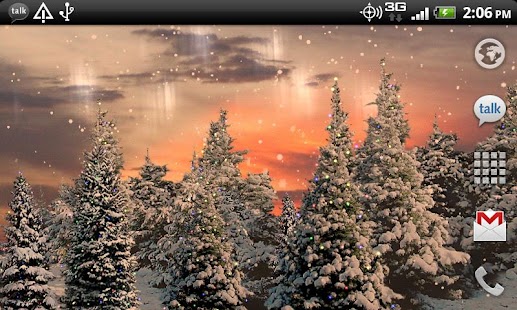
Snowfall is a beautiful live wallpaper featuring gentle snowflakes falling overtop swaying pine trees.
App Review:
Not a movie, with full support for landscape mode and home screen switching on any sized screen! Tilt your device to influence snow direction! Works as a daydream on 4.2+ devices!This full version has tons of settings for colors, Christmas lights, time of day tracking, camera speeds, Santa sightings, snow appearance, and more!
PERMISSIONS: Coarse location is to allow calculation of accurate sunrise/sunset times!
TO USE: Home->Long Press->Wallpapers
Snowfall Live Wallpaper - screenshot thumbnailSnowfall Live Wallpaper - screenshot thumbnail
Snowfall Live Wallpaper - screenshot thumbnail


0 comments:

Blur v1.0.3 Apk

Blur apk
Download: Blur v1.0.3 Apk | 5 MB | Mediafire
Requires Android:2.2 and Up
Blur transforms ordinary pictures into stunning Android wallpapers!
What’s new in this version :
  • fix for selecting images from Google Plus.
  • Blur is now compatible with Nexus 7 (2012) and more devices.
  • reduced APK Size.
  • added permissions.
  • various bug fixes.


App Review:
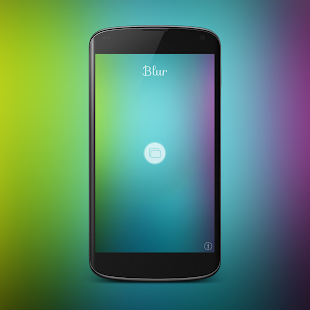
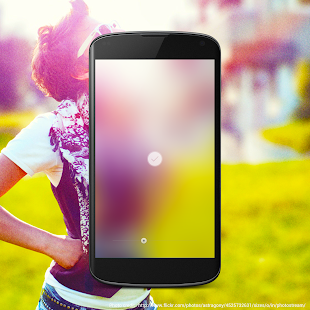
Blur turns any image into an iOS 7 style wallpaper with one simple control. Choose picture from gallery and turn it into awesome colorful wallpaper for your Home screen.
The basic idea of this app is to blur picture to the extreme and flatten out it into a nice colorful background for your Android device.
Using blur you can create customized wallpaper in three very simple and straightforward steps.
  1. Crop image
  2. Apply blur. You can drag the seek bar to the left or right to increase or decrease the intensity of the blur.
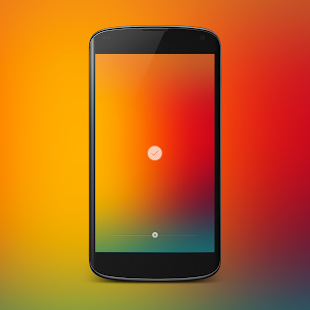
  3. Play with colors. Swipe up on image to change colors. You can individually control the intensity of the red, green and blue color in the wallpaper image.
Features:
  • Adjust blur ( Real-time preview )
  • Adjust colors ( Full control over colors.)
  • Simple and easy crop and re-crop. ( Perfectly crops images which fit perfectly to your device screen)
  • Instantly set wallpaper
  • Save wallpaper to photo library.
  • Load images directly from gallery. Go to gallery -> choose share -> select Blur
  • No Ads
Note: For sharing app on Facebook, Facebook app should be installed on your device.
How to use:
  1. Use Seekbar to change blur strength.
  2. Swipe up to change colors.
  3. Swipe down to back to blur.
  4. Long press on image to re-crop.
  5. Tap on accept button to set wallpaper.
Blur - screenshot thumbnail


0 comments:

Stormfly v1.8b110813 Apk

Stormfly apk
Download: Stormfly v1.8b110813 Apk | 1.5 MB | Mediafire
Requires Android:4.0 and Up
Stormfly brings you live weather information in the form of beautifully designed HD wallpaper graphics!
What’s in this version :
  • Resolved crash issues reported by a few S3 and S4 users….hopefully…
  • Removed the double tap option and minor bug fixes
  • For optimal results, we recommend uninstalling previous versions prior to installing this update.

Game review:
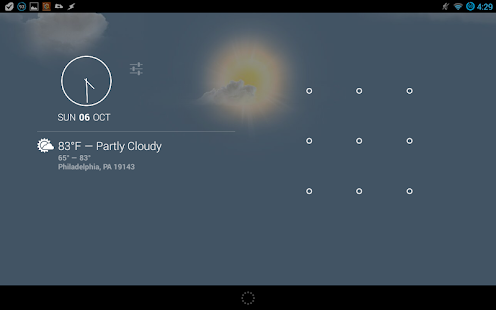
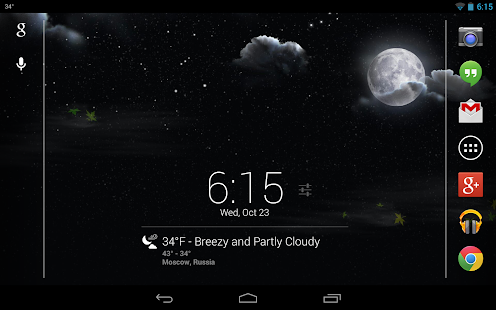
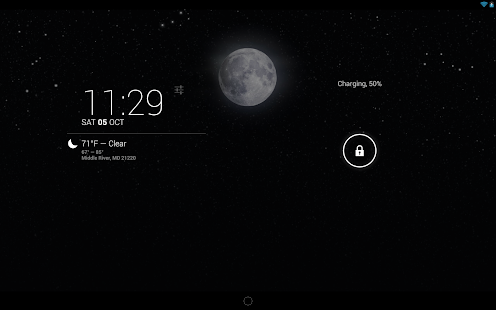
Based on your set location, Stormfly will look up your current weather condition, download the matching weather graphic and display the image as your device’s wallpaper. The wallpaper will automatically update and change appropriately at your set interval and at different times of day, such as sunrise/sunset, daytime and night. Optionally you can turn on the new “Stalker Mode” to have the location automatically update in the app as your location changes. We have also added a new persistent notification that will display the current temperature in the notification bar when collapsed. When expanded it will display more detailed current weather information. This new feature replaces the previous double tap option.
The images are static, meaning they are not animated. They are also not all stored on your device. Why do we do this? We do this in order to keep both the size of the app and resource usage to a bare minimum. Worried about bandwidth usage? We’ve got you covered! Stormfly will cache the last 10 wallpaper images on your device. When it is set to check for new weather information, it will check the local cache for the correct wallpaper image prior to attempting to download it.
Would you like to view the current weather condition? We have provided you with two means of doing just that. The first way is to simply pull down and view the new persistent notification. You can change your temperature readout preferences between fahrenheit and celsius within the settings. The other way requires a specific setup on your device. If you have both Android 4.2+ and the DashClock app installed, you will automatically get a new DashClock extension. What makes the Stormfly extension different from the default one? Honestly, not much. The most noticeable difference will be the icons. The default extension uses only a handful of different icons. Our version includes an icon for each weather condition that will accurately portray it day or night.
NOTE:
This is a live wallpaper. You will need to select and set Stormfly from your list of live wallpapers before any images will be displayed on your homescreen.
Stormfly - screenshot thumbnailStormfly - screenshot thumbnailStormfly - screenshot thumbnail


0 comments:

All rights reserved. Android720
Powered by android720 Design by Jenzo