
Stormfly v1.8b110813 Apk

Download: Stormfly v1.8b110813 Apk | 1.5 MB | Mediafire
Requires Android:4.0 and Up
Requires Android:4.0 and Up
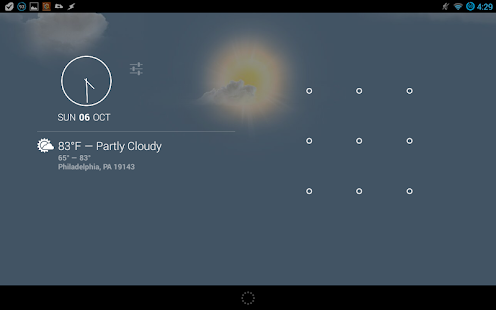
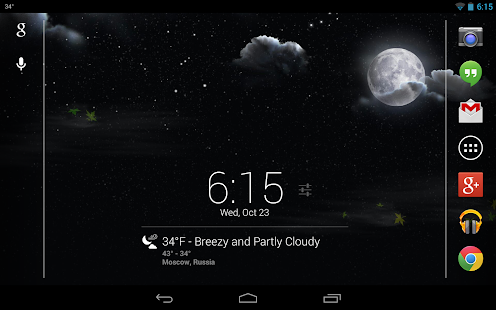
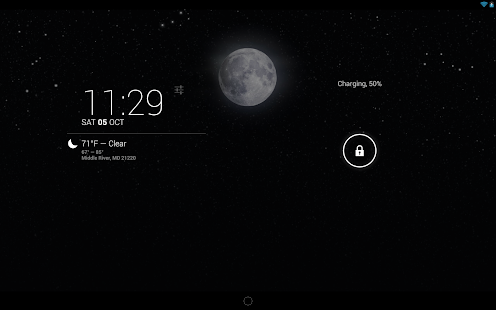
Stormfly brings you live weather information in the form of beautifully designed HD wallpaper graphics!
What’s in this version :
- Resolved crash issues reported by a few S3 and S4 users….hopefully…
- Removed the double tap option and minor bug fixes
- For optimal results, we recommend uninstalling previous versions prior to installing this update.
Game review:
Based on your set location, Stormfly will
look up your current weather condition, download the matching weather
graphic and display the image as your device’s wallpaper. The wallpaper
will automatically update and change appropriately at your set interval
and at different times of day, such as sunrise/sunset, daytime and
night. Optionally you can turn on the new “Stalker Mode” to have the
location automatically update in the app as your location changes. We
have also added a new persistent notification that will display the
current temperature in the notification bar when collapsed. When
expanded it will display more detailed current weather information. This
new feature replaces the previous double tap option.
The images are static, meaning they are not animated. They are also
not all stored on your device. Why do we do this? We do this in order to
keep both the size of the app and resource usage to a bare minimum.
Worried about bandwidth usage? We’ve got you covered! Stormfly will
cache the last 10 wallpaper images on your device. When it is set to
check for new weather information, it will check the local cache for the
correct wallpaper image prior to attempting to download it.
Would you like to view the current weather condition? We have
provided you with two means of doing just that. The first way is to
simply pull down and view the new persistent notification. You can
change your temperature readout preferences between fahrenheit and
celsius within the settings. The other way requires a specific setup on
your device. If you have both Android 4.2+ and the DashClock app
installed, you will automatically get a new DashClock extension. What
makes the Stormfly extension different from the default one? Honestly,
not much. The most noticeable difference will be the icons. The default
extension uses only a handful of different icons. Our version includes
an icon for each weather condition that will accurately portray it day
or night.
NOTE:
This is a live wallpaper. You will need to select
and set Stormfly from your list of live wallpapers before any images
will be displayed on your homescreen.


 Posts
Posts


0 comments: